drawings » Page 2 » Custom Developer Tools and VCL Components | Developer Team

CAD.Net 12.2 - Working with AutoCAD DWG, DXF, PLT and other CAD formats
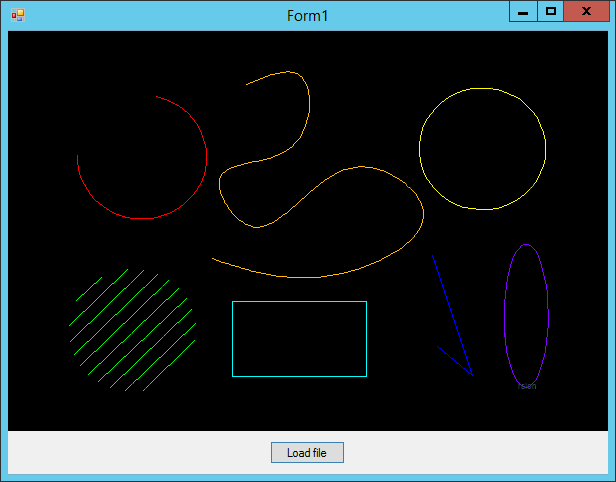
CAD.Net 12.2 - Working with AutoCAD DWG, DXF, PLT and other CAD formats


CAD .NET is a library for developing solutions in .NET environment. It supports AutoCAD® DWG/ DXF, PLT and other CAD formats.

The library can be used in a wide range of spheres:

work with industrial drawings at all project stages
monitoring and remote control programs
CNC machining
data export to CAD formats
work with databases
document management systems
highly specialized products using drawings
Read more

MyDraw 2.0

MyDraw 2.0
MyDraw 2.0


MyDraw includes powerful features to help you with your flowcharts, org charts, mind maps, network diagrams, floor plans, general business diagrams and drawings. Including libraries with hundreds of diagram shapes and symbols, templates, powerful drawing tools, automatic diagram layouts, advanced printing and exporting capabilities, and many more, MyDraw is the right diagramming solution for your business, or personal projects.
Read more

Grapholite 3.0.0

Grapholite 3.0.0
Grapholite 3.0.0


Grapholite is an all-in-one diagrams designer aimed to create all types of business graphics and technical drawings from simple drafts and sketches to complex professional looking documents. Despite the fact that app was designed with low-end tablet devices in mind it contains all features that can be expected from the mature state-of-the-art diagramming solutions like Visio: a rich set of built-in themes and styles, sophisticated connection auto-routing algorithms, dynamic snap grid and integrated spline editor. The unique “sketch” mode allows single-click styling of any figure as if it is sketched by hand.
Read more

Gray Technical Excel Draw v1

Gray Technical Excel Draw v1
Gray Technical Excel Draw v1 | 317 kB


Have you ever wanted to create drawings inside of Excel? If you have, then you probably know that Microsoft Excel, while amazing for spread sheets, does have its limitations. Graphing is not one of Excel’s strong suits, especially when it comes to drawings, until now. With the Excel Draw version 2.5.1 add-in you can use Excel to open, create, graph, export and even view X1 Y1 Z1 X2 Y2 Z2 data in 3D within a drawing style format, all in real time!
Read more