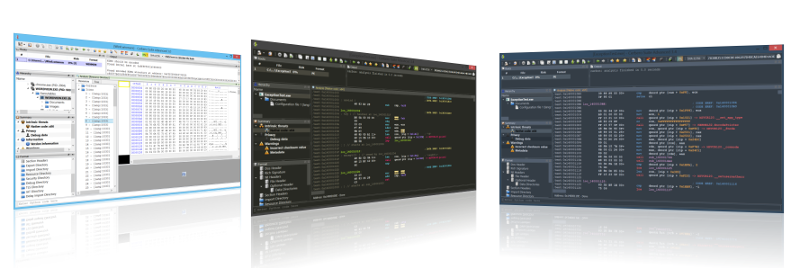
State-of-the-art suite of tools for malware triage and file analysis. Analysis for many file formats including PE, Mach-O, ELF, Java, SWF, DEX, PDF, DOC, XLS, RTF, Zip and many more.
State-of-the-art suite of tools for malware triage and file analysis. Analysis for many file formats including PE, Mach-O, ELF, Java, SWF, DEX, PDF, DOC, XLS, RTF, Zip and many more.
State-of-the-art suite of tools for malware triage and file analysis. Analysis for many file formats including PE, Mach-O, ELF, Java, SWF, DEX, PDF, DOC, XLS, RTF, Zip and many more.
State-of-the-art suite of tools for malware triage and file analysis. Analysis for many file formats including PE, Mach-O, ELF, Java, SWF, DEX, PDF, DOC, XLS, RTF, Zip and many more.
State-of-the-art suite of tools for malware triage and file analysis. Analysis for many file formats including PE, Mach-O, ELF, Java, SWF, DEX, PDF, DOC, XLS, RTF, Zip and many more.
State-of-the-art suite of tools for malware triage and file analysis. Analysis for many file formats including PE, Mach-O, ELF, Java, SWF, DEX, PDF, DOC, XLS, RTF, Zip and many more.
State-of-the-art suite of tools for malware triage and file analysis. Analysis for many file formats including PE, Mach-O, ELF, Java, SWF, DEX, PDF, DOC, XLS, RTF, Zip and many more.
State-of-the-art suite of tools for malware triage and file analysis. Analysis for many file formats including PE, Mach-O, ELF, Java, SWF, DEX, PDF, DOC, XLS, RTF, Zip and many more.
MZ-Tools can find strings in a method, file, project, solution or project group, selected text, group of files or group of projects. The results are shown in the following results window, much more convenient than the one provided by the Microsoft IDEs.
InnoExtractor is a powerful application that helps you to unpack Inno Setup installers using InnoUnp technology. With InnoExtractor you can explore the internal structure and content of the installer and you can to extract them to a local folder or a portable devices, without having to run the setup. Main features: - Simple and user-friendly graphical interface. - Open installers in by dragging and dropping executable files from Windows Explorer. - Ability to view internal content from the installer. - Extract files and built-in scripts to a local folder, ZIP package or self-extracting modules. - Decompilation of the "CompiledCode.bin" file to obtain the code corresponding to the "Code" section of the script.