layout » Custom Developer Tools and VCL Components | Developer Team

CorelDRAW Graphics Suite 2025 v26.2.0.29

CorelDRAW Graphics Suite 2025 v26.2.0.29


CorelDRAW® Graphics Suite is your fully-loaded, professional design toolkit for delivering breathtaking vector illustration, layout, photo editing, and typography projects with total efficiency. A budget-friendly subscription provides ongoing value with instant access to exclusive new features and content, and support for the latest technologies.
Read more

Altium Designer v25.8.1

Altium Designer v25.8.1

Precision and speed are essential for meeting challenging electronics design requirements and tight timelines. Altium Designer provides an integrated, user-friendly platform incorporating everything from schematics and layout to simulation and analysis so you can meet design requirements and tight timelines effortlessly.

Read more

WYSIWYG Web Builder v20.2.2

WYSIWYG Web Builder v20.2.2


WYSIWYG Web Builder is a WYSIWYG (What-You-See-Is-What-You-Get) program used to create web pages. WYSIWYG means that the finished page will display exactly the way it was designed. The program generates HTML (HyperText Markup Language) tags while you point and click on desired functions; you can create a web page without learning HTML. Just drag and drop objects to the page position them 'anywhere' you want and when you're finished publish it to your web server (using the built in Publish tool). Web Builder gives you full control over the content and layout of your web page.

Read more

Skybound Stylizer v7.20.913.1358


Skybound Stylizer v7.20.913.1358

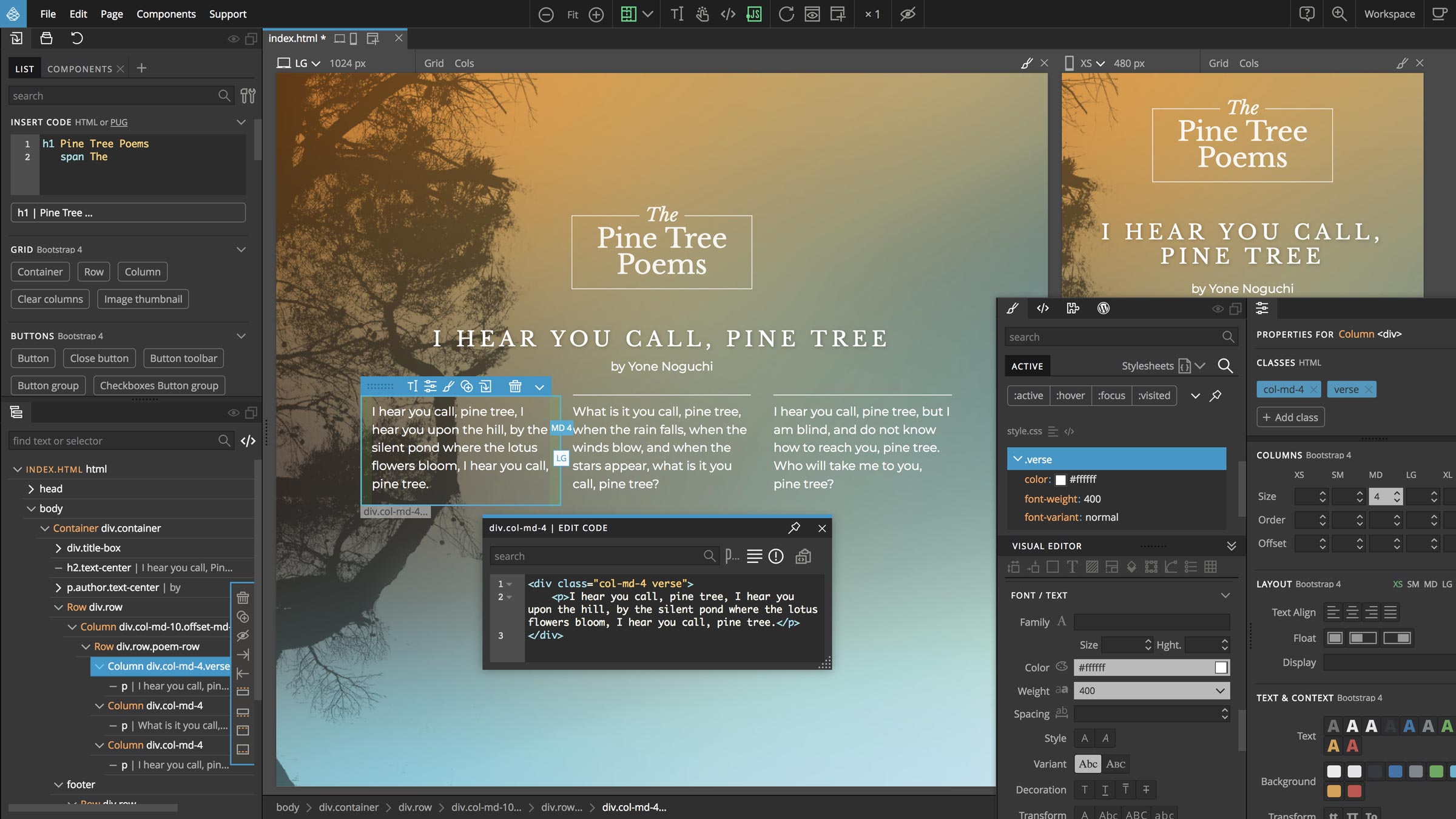
Everyone knows that the appearance of a website is one of the factors that brings a visitor back, alongside functionality and usage. There are plenty of tools out there that can help a designer build professional-looking websites with a style and a layout that appeal to users and one of them is suggestively named Stylizer.

Read more

CorelDRAW Graphics Suite 2025 v26.1.0.143

CorelDRAW Graphics Suite 2025 v26.1.0.143
CorelDRAW Graphics Suite 2025 v26.0.0.101


CorelDRAW® Graphics Suite is your fully-loaded, professional design toolkit for delivering breathtaking vector illustration, layout, photo editing, and typography projects with total efficiency. A budget-friendly subscription provides ongoing value with instant access to exclusive new features and content, and support for the latest technologies.

Read more

WYSIWYG Web Builder v20.1.2

WYSIWYG Web Builder v20.1.2


WYSIWYG Web Builder is a WYSIWYG (What-You-See-Is-What-You-Get) program used to create web pages. WYSIWYG means that the finished page will display exactly the way it was designed. The program generates HTML (HyperText Markup Language) tags while you point and click on desired functions; you can create a web page without learning HTML. Just drag and drop objects to the page position them 'anywhere' you want and when you're finished publish it to your web server (using the built in Publish tool). Web Builder gives you full control over the content and layout of your web page.
Read more

WYSIWYG Web Builder v20.1.1

WYSIWYG Web Builder v20.1.1


WYSIWYG Web Builder is a WYSIWYG (What-You-See-Is-What-You-Get) program used to create web pages. WYSIWYG means that the finished page will display exactly the way it was designed. The program generates HTML (HyperText Markup Language) tags while you point and click on desired functions; you can create a web page without learning HTML. Just drag and drop objects to the page position them 'anywhere' you want and when you're finished publish it to your web server (using the built in Publish tool). Web Builder gives you full control over the content and layout of your web page.
Read more

WYSIWYG Web Builder v20.0.6

WYSIWYG Web Builder v20.0.6


WYSIWYG Web Builder is a WYSIWYG (What-You-See-Is-What-You-Get) program used to create web pages. WYSIWYG means that the finished page will display exactly the way it was designed. The program generates HTML (HyperText Markup Language) tags while you point and click on desired functions; you can create a web page without learning HTML. Just drag and drop objects to the page position them 'anywhere' you want and when you're finished publish it to your web server (using the built in Publish tool). Web Builder gives you full control over the content and layout of your web page.
Read more